> For the complete documentation index, see [llms.txt](https://docs.antbuddy.us/llms.txt). Markdown versions of documentation pages are available by appending `.md` to page URLs; this page is available as [Markdown](https://docs.antbuddy.us/antbuddy-inc-documents/guide-to-register-and-payment/register-and-login/1.-register.md).
# 1. Register
How to register for a trial account?
*Step 1: Open link:* [*https://www.antbuddy.us/*](https://www.antbuddy.us/)
Step 2: Click on "Register"
Step 3: The screen navigates to the registration page, offering two ways to register
* Register by phone number
⇒ *Enter Phone number at phone number field, then click on "continue"*
* *Register by Email*
*⇒ After enter Email, a phone number verification step is required. Then, click Continue.*
Step 4: Choose the method to receive the OTP code. After entering the OTP, click Continue.
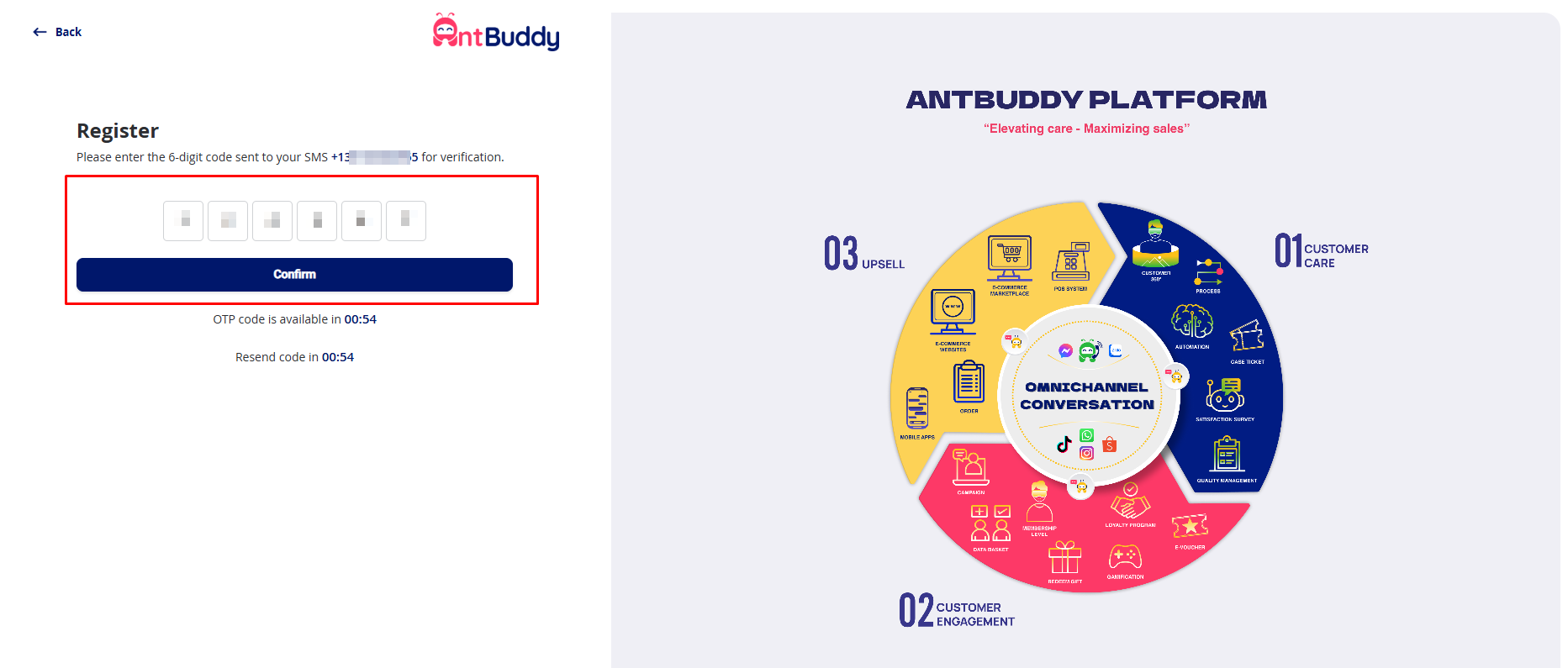
Step 5: Entering OTP Code, then click on confirm
Step 6: Enter company name
Step 7: Enter company domain, then click on continue
Step 8: Enter Full Name
Step 9: Enter Email
Step 10: Enter password
Step 11: Enter Confirm password
Step 12: Check box "I have read and agree"
Step 13: Click on "Register"
Here is a screen when successful registration
*After successfully registering an account, you will be directed to the channel integration page -> invite employees -> make a payment.*
*To integrate channels, you can see the details of integrating each channel in the*